Helpline/Support:
1800-102-5400 (Only for India)
*IST 09.30 to 18.30
(Mon to Sat)
Home FAQ Press About us Contact us Buy Online
Protegent Enterprise Security
Protegent Enterprise Security Solution
Protegent Enterprise Security Software
 
Protegent Enterprise Security

Protegent Enterprise Security Solution

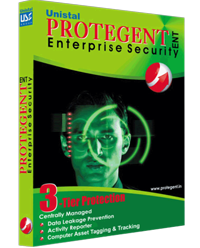
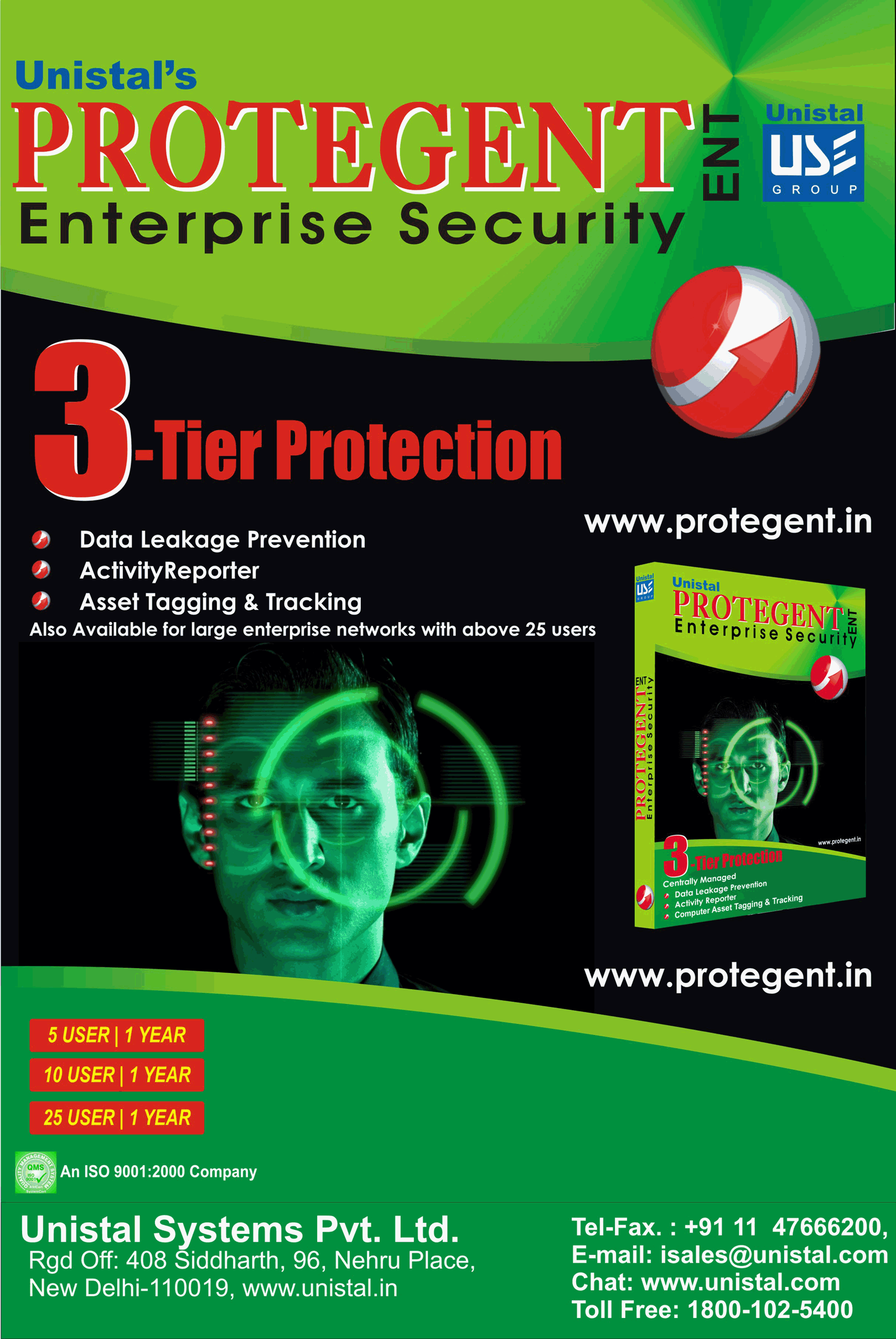
Protegent Enterprise Security provides you a comprehensive and effective solution to safeguard yourself from the risks of Information Security Breach and malware. It integrates four different solutions, inclusive of comprehensive reporting with alerts regarding activities of your employees in enterprise network through a single management console.

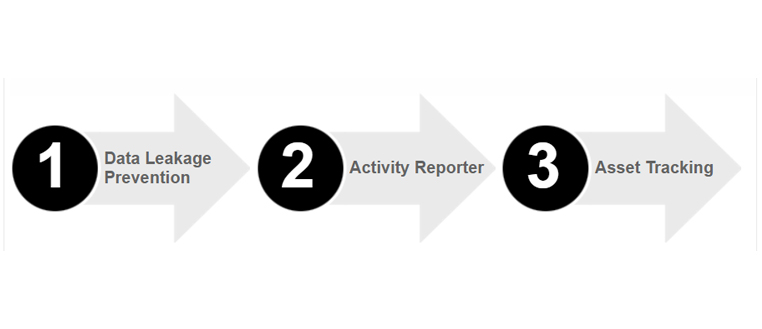
The modules included in Protegent Enterprise Security are:

  • Data Leakage Prevention
Provides proactive protection against data theft by blocking USB, IEEE 1394, Network Adaptors, CD/DVD ROM, Printers, Infrared and Bluetooth with the flexibility to block single or multiple ports either permanently, on schedule or when idle. The USB device can also be white-listed for selected users.
Unique feature of USB Read Only enables the admin/user to make any USB mass storage device read only.
File transfer log feature generates the complete log of data transferred to and from mass USB storage devices.
E-mail filtering option filters and block the Emails according to attachments, size of attachments, keywords in the body of the Email & Body size which are send from MS Outlook.
This module helps you prevent unauthorized access to critical data. It also provides comprehensive reports as well as instant email alerts of port usage and if a user attempts to use a blocked port.
  • Activity Reporter

Gives you information of usage of resources on the network by logging system usage time, idle time, keystrokes, websites viewed, chat interactions, file transfer logging, cut/copy clipboard information, application usage monitoring. It also captures screenshots of full as-well-as working screens and alerts on usage of Blacklisted Applications.

This module helps analyze exact system usage and hence optimize utilization of resources. It also helps access employee productivity, user surveillance, forensics, and can also help you optimize IT purchases.

  • Asset Tagging & Tracking

Asset Tracking tool tags and tracks the condition of Hardware Assets of computers (i.e. Memory, Hard disk, Printer, Network, Processor, Motherboard, Monitor, Keyboard, Mouse, Operating System, and Sound etc.) & also Software Assets (i.e. Windows Info., Installed Software's & reports) if any changes occur on the system. Asset Tracking with Early Warning Systems for pending hard disk problems. It does this by continuously monitoring various hard disk parameters (such as Hard disk Temperature, S.M.A.R.T, & Details). Asset tracking provides the feature of Disk Cloning (i.e. it can paste the contents of a potentially fatal disk on to a healthy disk) and Disk Scanning (i.e. display bad sectors on hard disk(s)).


For requirements above 25 users, you can choose from the following modules:

  • Data Leakage Prevention
  • Activity Reporter
  • Asset Tagging & Tracking

Features of Protegent Admin Console:

  • Settings-based centralized management.
  • Automatic installation of required Software’s i.e. Window Installer, SQL 2005, .Net Framework etc.
  • Centrally managed port access control and user control for workstations and servers.
  • Generates a database at first startup for storing the activity reports of the server and client machines under protection.
  • Auto enumeration of the entire network, showing the systems available.
  • Auto generation of port numbers for sending and receiving data between the server and client machines.
  • Maintain remote client’s username, password and other details in credential manager.
  • Systems with Common Administrative username and password can be saved as “everyone”.
  • With the help of export we can save the credential list.
  • The previously saved credential list can be restored by the import option.
  • Deployment on multiple clients can be done simultaneously.
  • Full privileges to power user.
  • Unique feature of giving warning to the administrator about the status of client machine in following ways:
    • If communication is broken between the client and server.
    • If deployed product is not working at client.
    • If client is inactive with server for a configured days.
  • Customization of reports according to administrator requirement.
  • Defining different policies for different users.
  • Backup and Restore option for policies (settings).
  • Protection from unauthorized access of the software through password.
  • After installation, auto-startup of the modules making the software user friendly.
  • User friendly and easy installation with option of customizes installation.
  • Backup settings, reporting, network structure and license to restore for later use.
  • Backup and Restore option for settings, reports, network structure and Product license.
  • Backup option at time of un-installation.
  • Protection from unauthorized un-installation by asking for authorized password at time of un-installation.
  • Detailed reports of each client.
  • Deployment using IP range in the network.
  • Sets restrictions against all communication ports by blocking and unblocking them.
  • Prevent data theft as well as unauthorized access of critical data.
  • Notification to the administrator at any desired time interval.
  • Credential manager feature to add clients user name and password.
  • Alert Notification to the administrator as soon as any unauthorized action performed at client system.
  • Uninstalling of Protegent product on clients through remote access.
  • View daily report globally from anywhere on your mail id.
  • Centralized management ensured reduced administration workload and costs.
  • Ensures consistent protection across the organization through centralized management       
  • Limits ports usage for client by applying schedule blocks.
  • Provides warning & immediate email notification information of client systems, which may require administrator’s attention.
  • Optimized for Business Environments.
  • Identification of non-compliant systems.                         
  • Remotely manage the data prevention of multiple systems from a single location by blocking and unblocking ports.
  • Lock the Ports of Various Clients machines within LAN or Network.
  • Provides protection even when the client is disconnected from Network.
  • Set your admin password and client password separately.
  • Through package manual installation is possible (when deployment failed).
Feature list of Data Leakage Prevention:
  • Proactive protection against data theft.
  • Sets restrictions against all communication ports by blocking and unblocking them.
  • Prevent data theft as well as unauthorized access of critical data
  • Unique feature of White listing the authorized USB by using unique hardware ID of the device.
  • Feature of USB Read Only makes any USB mass storage device read only.
  • File Transfer Log will show the reports of files transferred to and from a USB mass storage device.
  • File Transfer Log shows the detail reports of files added, removed and renamed to and from USB mass storage device.
  • E-mail Filtering log shows the complete report of filtered and blocked Emails of the MS Outlook client.
  • Real Time Monitoring
  • Offline monitoring
  • Monitoring log
  • File Transfer Log
  • E-mail Filtering Log
  • Activity log
  • Run in hidden mode
  • CD/DVD Locking
  • IEEE 1394 (i.e. Data Card) Locking
  • Bluetooth (i.e. Bluetooth dongle) Locking
  • Printer (i.e. Network or LPT Port) Locking
  • Network Adaptor Locking
  • Options to open single or multiple ports with authorized password when it is permanently locked.
  • Infrared Locking
  • Flash Drive (i.e. USB, External HDD etc.) Locking
  • Block ports when PC is idle.
  • Block ports in scheduled duration.
  • Block ports in multiple schedule duration.
  • Block ports to prevent unauthorized access
  • Options to open single or multiple ports with authorized password when it is Idle locked or Scheduled locked.
  • Special feature of Print Screen Locking
  • Setting of report log size (Min 1 MB to Max 5 MB).
  • Manage the logs by setting log days (Min 1 day to Max 90 days).
  • Enable or disable password for the software.
  • Option to save software settings so that they can be restored when needed.
  • Option to reset software settings to default.
  • Option of reporting system activities through e-mail or by FTP.
  • Option of reporting system activities through mail as scheduled (i.e. Daily, Weekly, and Monthly etc.) by user.
  • Option of sending Incremental Report or Complete Report as selected by user.

Feature list of Activity Reporter:

  • Captures Application activity.
  • With the help of application monitor time log can be maintained for specific applications.
  • Unique feature of Blacklist and white list
    • Blacklist: applications will get identified and be visible in alerts
    • White list: Won’t record any activity of the application added in this list.
  • Captures clipboard contents
  • Captures Internet activity
  • Logs websites visited
  • Captures all keystrokes, in case sensitivity.
  • Option of showing system/non-printable keys is also available.
  • Take screenshots within the specified time interval or on every mouse click.
  • Option of different qualities of screenshot.
  • Option of capturing the desktop and capturing the foreground of the window.
  • Setting of report log size (Min 1 MB to Max 5 MB).
  • Manage the logs by setting log days (Min 1 day to Max 90 days).
  • Logging of working hours and idle time.
  • Option to select the level of tracking.
  • Send the reports to the specified email (in the stealth mode).
  • Uploads all logs into the separate folders by FTP (in the stealth mode).
  • Sending of report logs in a specific time interval.
  • Password protected so only authorized personnel can access the reports.
  • Loaded with an intuitive interface and very easy to use, even for beginners.
  • Runs in absolutely invisible mode.
  • Remote installation/update/uninstall.
  • Captures ICQ, Miranda, Skype, Google Talk, MSN, AIM, AOL, Yahoo, QIP chats.
  • Detection and notification of the custom keywords (alerts).      
  • Records contents of password protected web pages, including web mail messages.          
  • Monitors windows clipboard.
  • Monitors computer activity only when user goes online (optional).         
  • Invisible in the Windows startup list.               
  • Monitors all users of the PC, even if you don't know their passwords.    
  • Intercepts DOS-box and Java-chat keystrokes.              
  • Instant install from a memory card or a flash drive.     
  • Reports of application activity, clipboard activity, working log, Internet activity, keystrokes, screenshots all in HTML format.

Feature list of Asset Tagging & Tracking

  • Tags & Track Hardware Assets i.e. Motherboard, Memory, Mouse, Keyboard, Storage, Printer, Network, Processor etc. If any changes in hardware occur then auto message sending feature on server.
  • Tags & Track Software Assets i.e. operating system Info, Installed Programs. Auto message sending on server with respect to software changes
  • Real time hard drive status monitoring.
  • Avoid losing your important data due to hard drives overheating.
  • Hard drive health status information.
  • Amount of bad blocks or physical bad sectors on the hard drives.
  • S.M.A.R.T. attributes.
  • Disk scan option to check physical bad sectors.
  • Prompts emergency system shutdown in case of hard drive overheating.
  • Previewing raw values of S.M.A.R.T.
  • Alert if changes encountered in Hardware Assets & Software Assets
  • Disk cloning feature
  • Hard disk real time temperature with respect to time graph
  • Email alert for S.M.A.R.T & Asset Tracking
  • Schedule feature
Enterprise Security Software
Download ProtegentENT White Paper of Protegent Enterprise Security White Paper of Protegent Enterprise Security in GIF Buy Protegent Enterprise Security Software

License options:

  • Server + 5 PCs
  • Server + 10 PCs
  • Server + 25 PCs
  • More than 25 PCs options on demand

Software languages: English

System Requirements:

Hardware & Software Required at Server
  • For Windows 2000
  • • 1.66 MHz or higher processor
    •512 MB of RAM Memory (1 GB recommended)
    • 900 MB available hard disk space (1 GB recommended)
    • Win 2000 (SP 4)
    • Internet Explorer 6.0 (or higher)
    • Microsoft Data Access Components 2.8 (MDAC)
  • For Windows XP/2003/Vista/ Windows 7/ Win Server 2008
  • • 1.66 MHz or higher processor
    • 512 MB of RAM Memory (1 GB recommended)
    • 900 MB available hard disk space (1 GB recommended)
Hardware & Software Required at Client
  • For Windows 2000
  • • 1.66 MHz or higher processor
    • 512 MB of RAM Memory (1 GB recommended)
    • 30 MB available hard disk space (64 MB recommended)
    • Win 2000 (SP 4)
  • For Windows XP/2003/Vista/Windows 7/Win Server 2008
  • • 1.66 MHz or higher processor
    • 512 MB of RAM Memory (1 GB recommended)
    • 30 MB available hard disk space (64 MB recommended)

Screenshot:

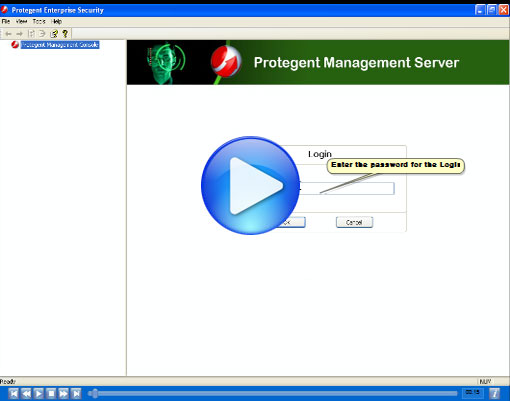
Screenshot of Protegent Enterprise Security

Protegent Enterprise Security